FengMAP Creator
FengMAP Creator V2.0 developed by FengMAP Technology, is oriented to both enterprises and individual users. Users can check, edit and create map data all by themselves.
Try It Free
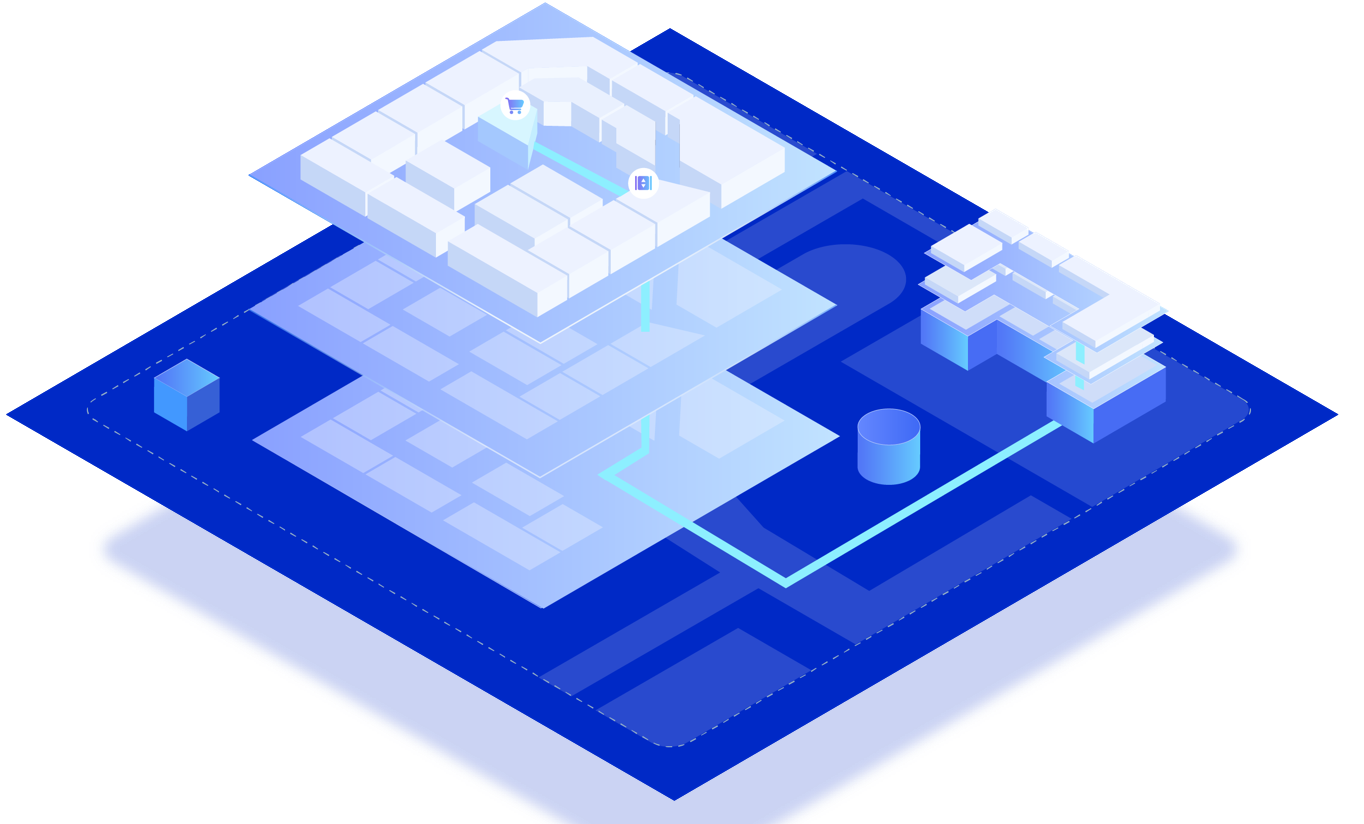
A Brand New Creator
- New Interface
- Build an Integrated Map
- Accurate Drawing of 2D Map Features
- Digitalized Real 3D Digital Panorama
Mapping Properties

Accurately capture feature points of spatial elements, and absorb graphs of all elements for seamless fitting

Map drawing made fast and easy with shortcut keys and batch copying/generation of connectors

Unified UI and UE makes Creator easy to use

Map drawing supports cross-industries, rich scenes, and customized feature types

You can select default drawing style as you like, and add drawing symbol the way you want
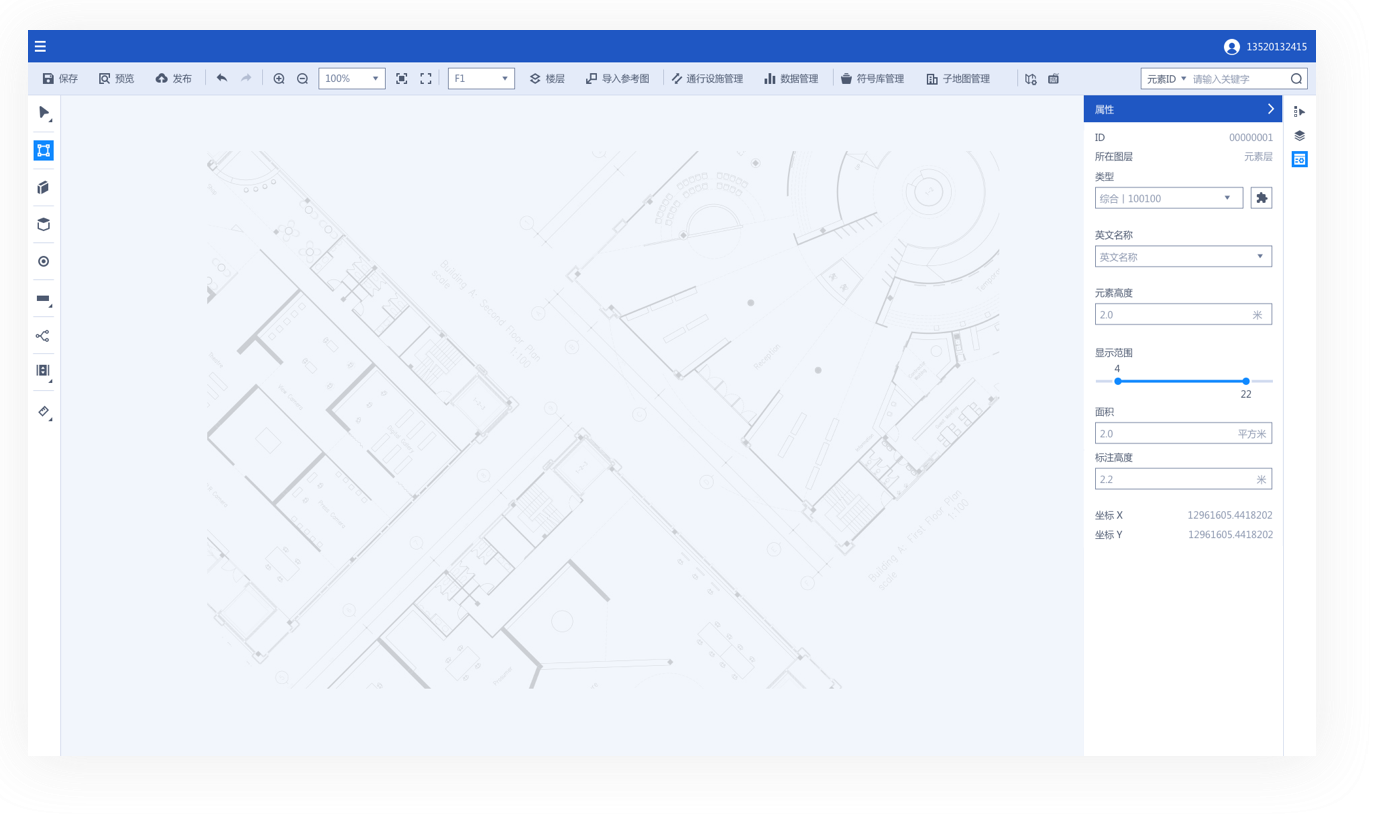
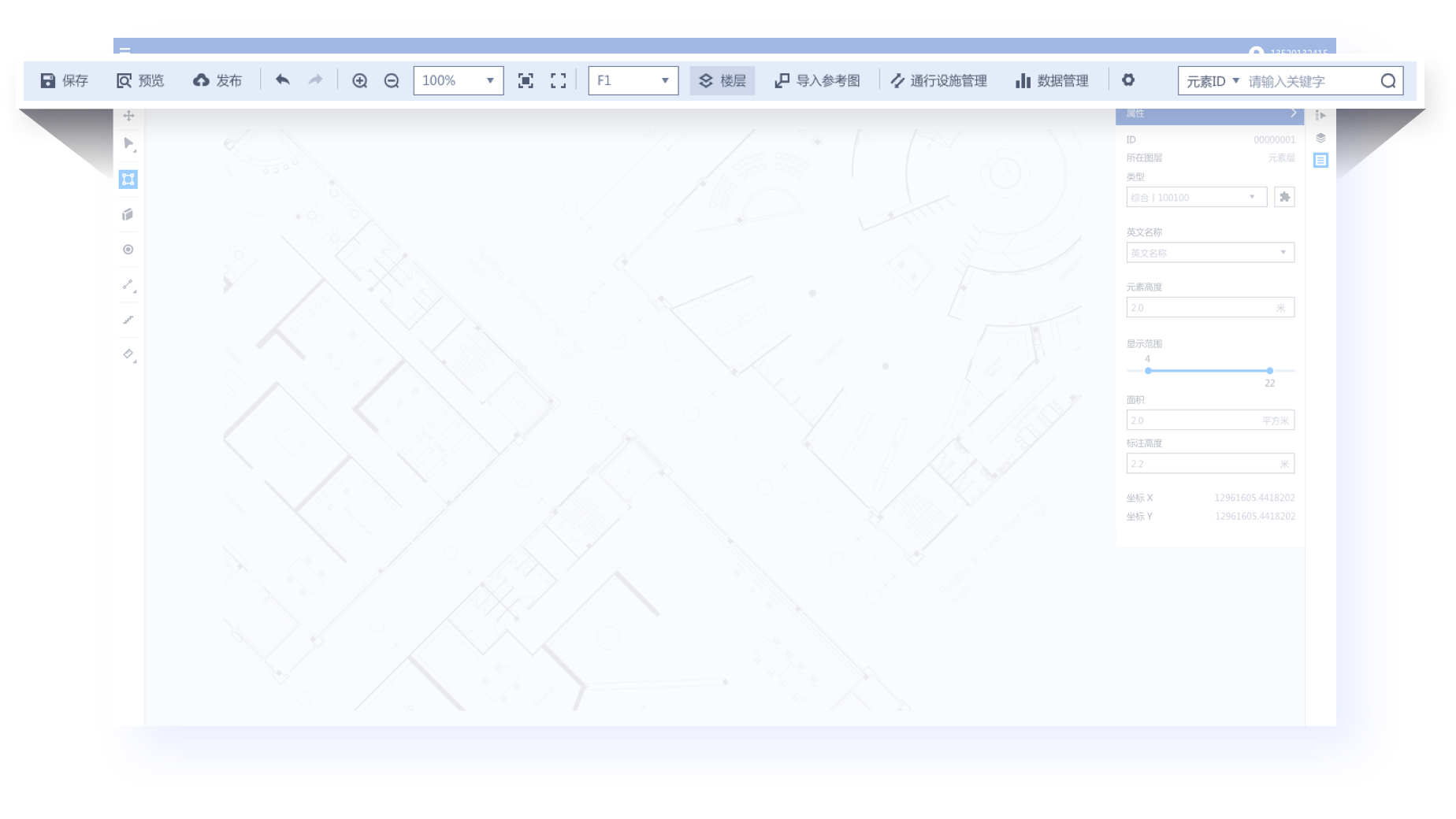
FengMAP Creator Main Interface
- Quick Access Toolbar
- Drawing Tools
- Advanced Edit
- Property Panel
- Canvas
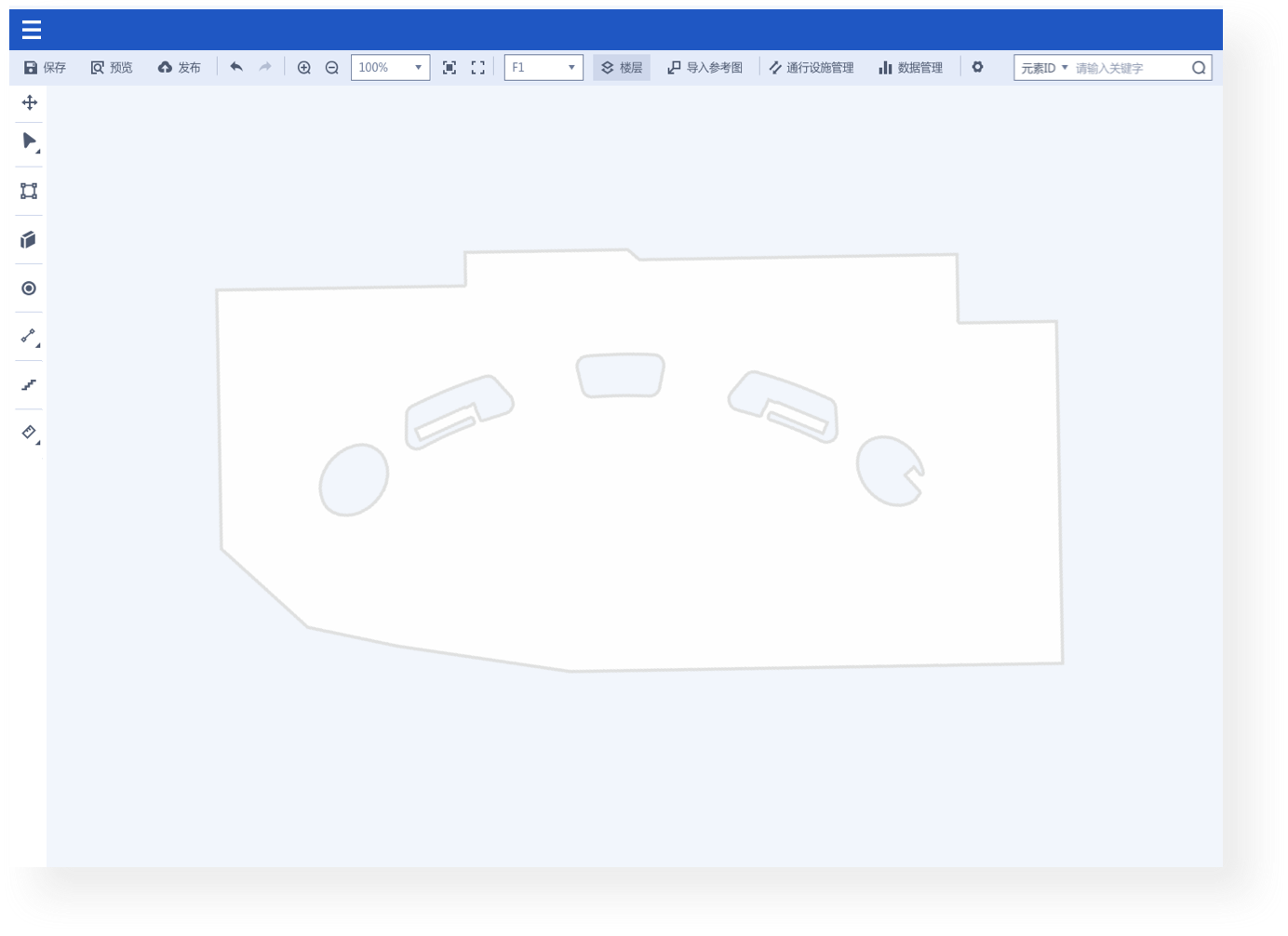
5 Quick Steps to Create Your Own Map
Create Ground Outline
Import Reference Map Image
Draw and Edit Points, Lines and Polygons
Configurate Feature Attributes
Preview Published Map
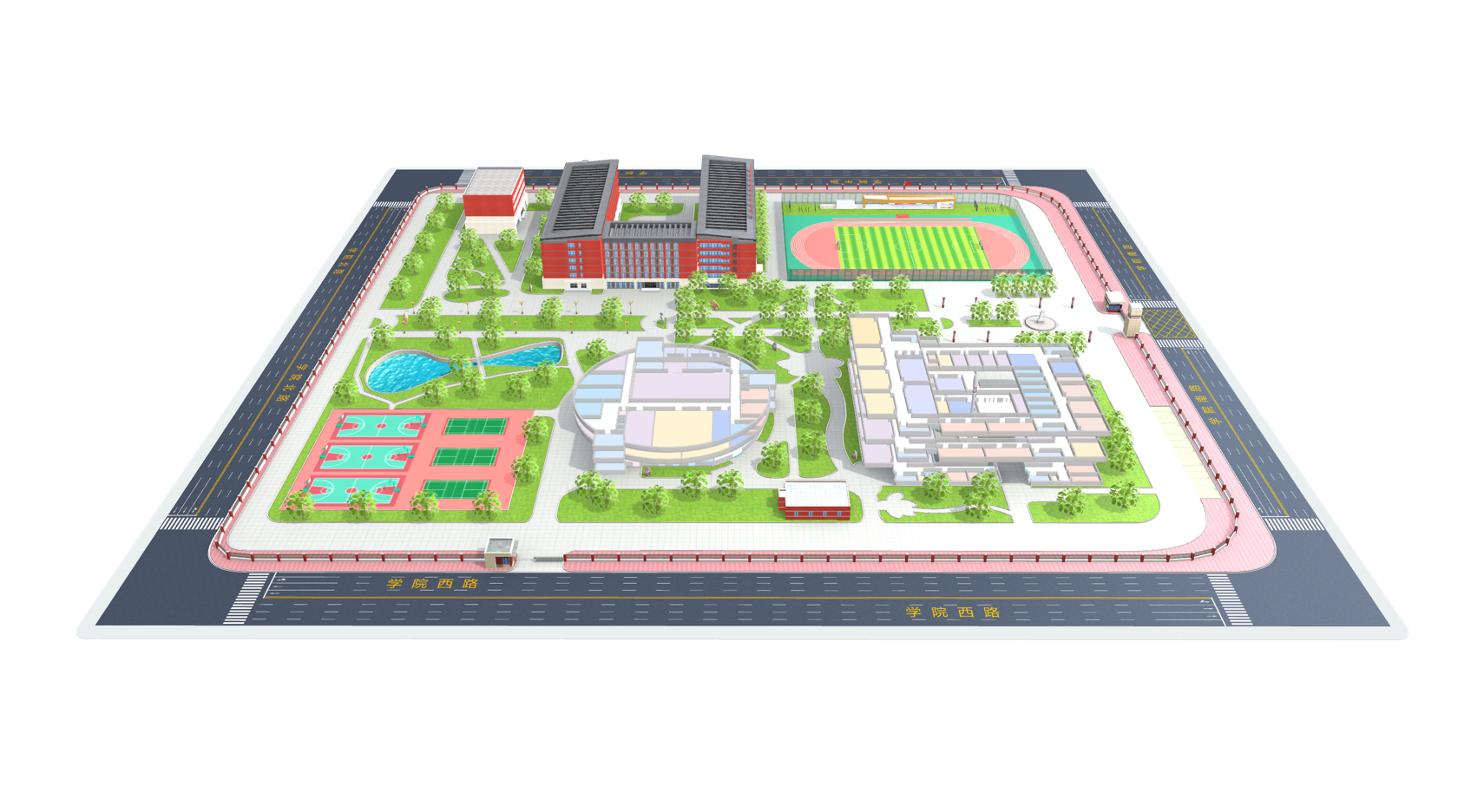
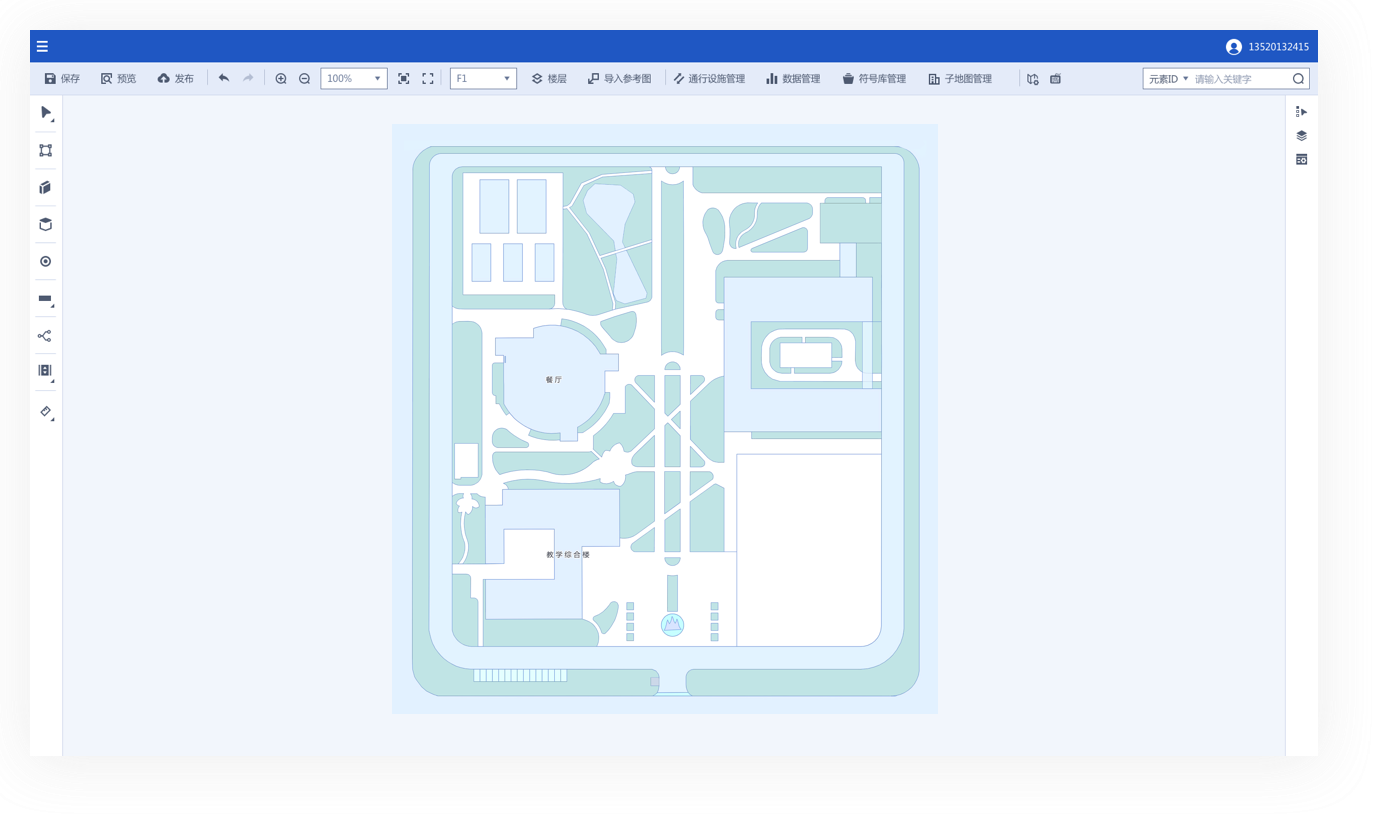
3 Steps to Build indoor-outdoor Map Scene
- Outdoor Mapping
- Related Building
- Draw Relation Point
Realize the rendering display of the global overview scene
Achieve an integrated scene display from overview to details
Realize the function of cross-building path planning in the scene
Draw Points, Lines, and Polygons
5 categories, 15+ drawing and auxiliary Tools for you to enjoy drawing all features

Rectangle, Circle and Polygon Features
Use rectangles, circles and polygon features to draw common spatial types, such as shops, booths, offices, etc.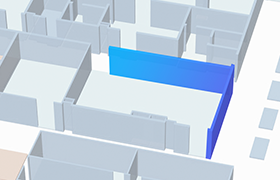
Walls
Set width, length, and rotation angle of the wall when drawing. split and merge the wall afterwards.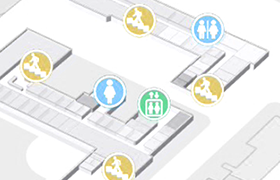
POI Icon
You can configure different POI types, such as entrance, toilet and parking lot.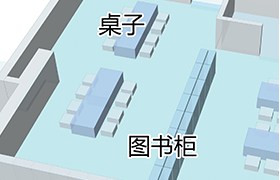
Label
Supports English-Chinese bilingual opeartion. You can choose to hide or display the words.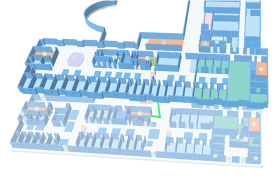
Connector Group
Common connector groups include life, escalator and staircase. After configuring vertexs and paths, you can conduct cross-floor navigation.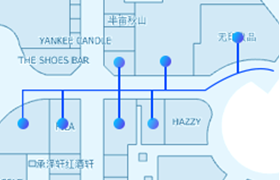
Path
There are four types of paths: two-way path, forward path, reverse path and non-accessible path. You can configurate path properties to set path priority.Draw Points, Lines, and Polygons
3 categories, 18+ editing tools for you to copy, split and merge at will

Edit Vertex

Split and Merge

Changing A Segment into an arc

Batch Copying

Cross-Floor Copying

Alignment
Map Data Management
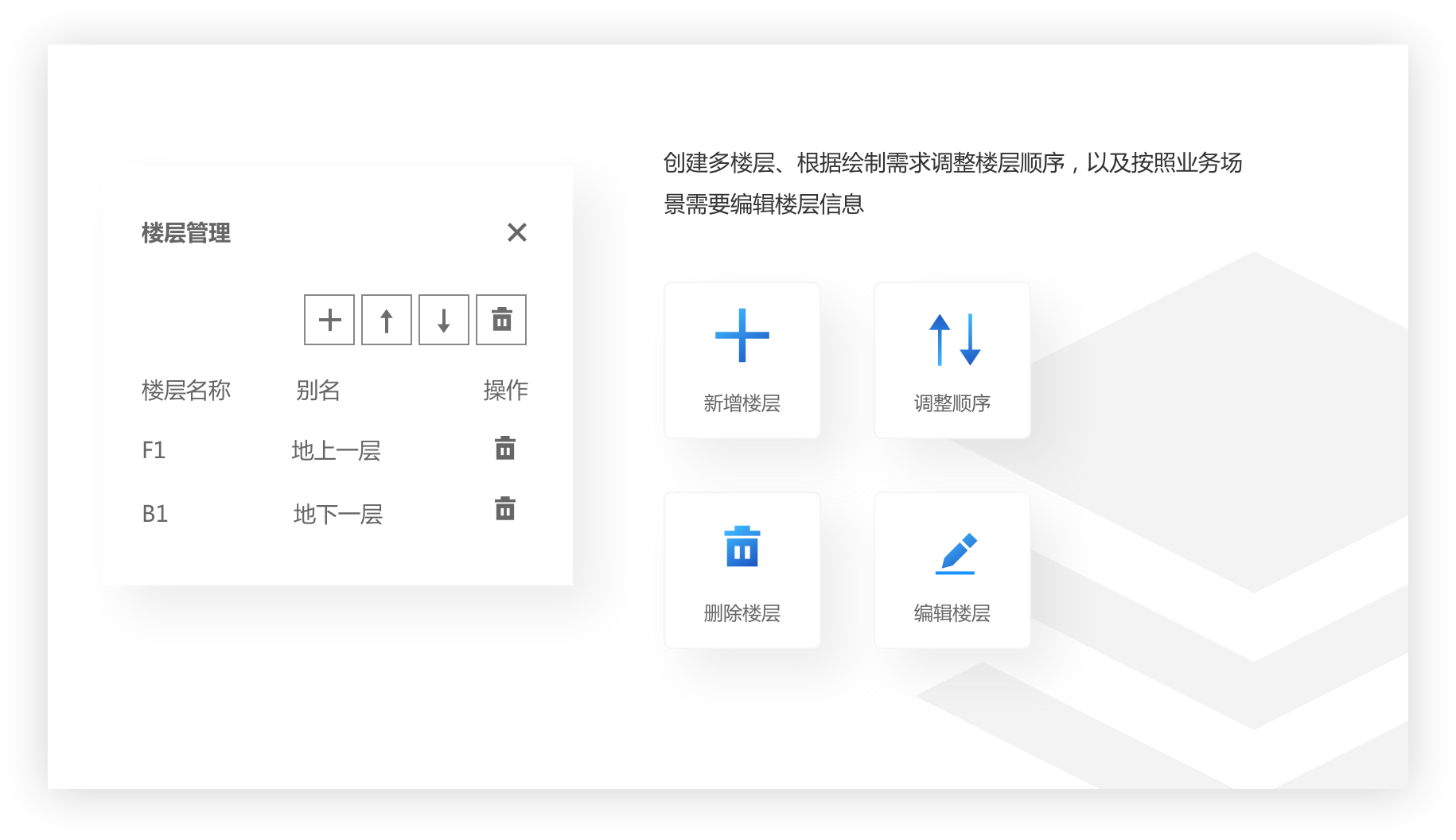
- Floor Management
- Connector Group Management
- Type Management
- Building Management
- Data Management